

Why VIP email alerts matter for Surrey buyers and sellers
In Surrey’s active residential market, the first few minutes after a new listing appears can determine whether a buyer sees a home in time to book a showing or make an offer. That urgency makes targeted, reliable notifications valuable. Woodhouse Realty operates an MLS-powered search and offers VIP reports designed to deliver early, focused listing alerts and market insights to clients so they can move faster in Surrey, BC on the Woodhouse website.
How VIP email alerts work compared with MLS emails and push notifications
Although different services use different names, three common delivery patterns appear in property search alerts.
- VIP email alerts: These come from a curated sender list or a filtered mailbox folder so only nominated messages trigger visible notifications or special sounds. Third-party apps and device-level VIP features let you limit noise and give priority senders a distinct notification behaviour, for example unique sounds or time-based delivery rules. An example mobile app advertises the ability to restrict notifications to VIP senders and choose when alerts are allowed as described in the Owl VIP Email Alerts listing.
- Standard MLS listing emails: Brokers and portals typically send automated digests or new-listing emails to all subscribers of a search. They are useful for broad coverage but arrive in the main inbox and can be lost among other messages when volume is high.
- Push notifications: Many property apps send push alerts directly to a phone. Push alerts are fast and highly visible, but they depend on the app’s delivery, device permissions, and whether you permit notifications at that moment. Device settings or Do Not Disturb can suppress them.
How to compare alert options: speed, relevance, noise, reliability and privacy
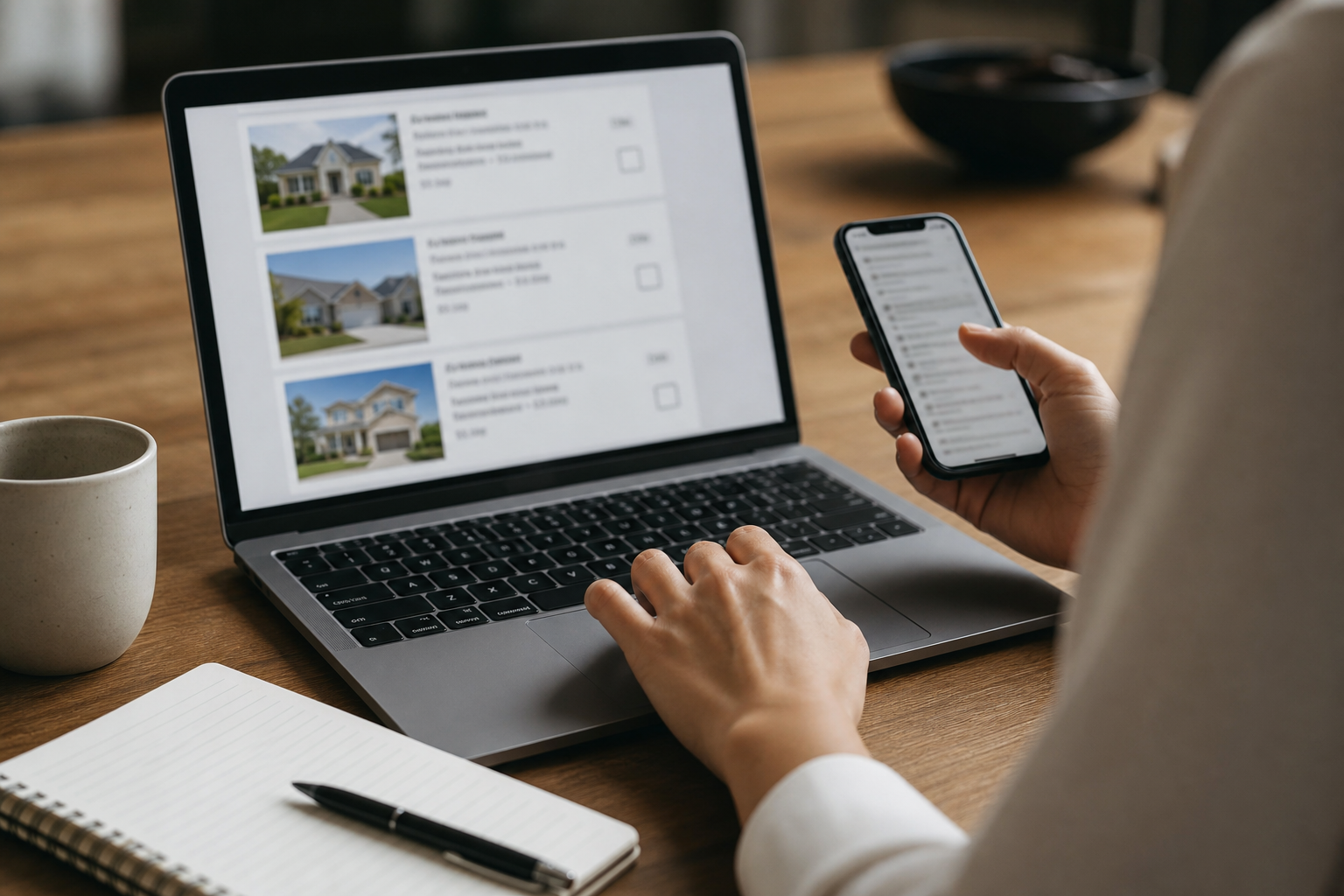
Use five decision criteria to compare VIP email alerts, standard MLS emails, and push notifications.
- Speed, who sends the alert first and how quickly it reaches your device.
- Relevance, whether the alert matches your exact search filters or delivers many near misses.
- Noise control, how well you can prevent nonessential messages from interrupting you.
- Reliability, the probability the alert is delivered and not blocked by spam filters, battery optimizers, or app restrictions.
- Privacy and data handling, how the sender uses and stores your contact details and search preferences.
VIP email alerts typically score strongly on noise control and relevance because they route only high-priority messages to you. Push notifications often score highest on raw speed. Standard MLS emails can score well for relevance but worse for noise if they are sent as broad digests.
7 VIP email alerts benefits for property hunters
Below are seven practical VIP email alerts benefits that make them worth considering for home hunters and sellers watching Surrey homes for sale.
- Faster signal in busy inboxes, because VIP alerts let you treat messages from the brokerage or agent as high priority and reduce the chance they are missed among routine mail. Device-level VIP features can show unique alerts for designated senders so important listing notices stand out as explained in the iOS Mail VIP how-to.
- Lower notification noise, by limiting visible alerts to just those senders you trust. Apps and services that implement VIP-only notification modes let you switch between all-email, VIP-only, or quiet modes to avoid interruptions while still receiving critical listing updates as the Owl VIP Email Alerts description shows.
- Better attention management, because VIP alerts support unique sounds and banners. When you hear or see the VIP tone, you instantly know the message is about a listing you care about and can act immediately for device examples.
- Fewer missed opportunities from digests, since digests and bulk MLS emails might arrive minutes later or be batched overnight. A VIP alert from a local agent or brokerage can arrive sooner and trigger immediate action.
- Operational reliability for agents and managers, enterprise and event systems already use VIP-style notifications to inform nominated staff about arrivals and urgent items, showing the model works when prompt attention matters as ResDiary documents.
- Custom control over delivery windows, some VIP tools let you define when notifications are allowed so you only get high-priority listing alerts during times you choose, such as business hours or while you are actively house hunting (app example).
- Improved follow up and record keeping, because VIP routing often places messages into predictable folders or tags. That makes it easier to track which listings you saw, when you were notified, and what actions you took.
When VIP alerts fall short and realistic limits to expect
VIP email alerts benefit responsiveness but are not a guarantee. Expect these realistic limits.
- Delivery depends on correct sender configuration. If the brokerage email is sent from a different address or domain than expected, your VIP rule can fail to recognise it.
- Spam and filtering rules can divert messages. Aggressive spam or email provider rules may place messages in other folders before VIP logic runs.
- Device and network conditions matter. Do Not Disturb, low-power modes, or poor cellular reception can delay visible alerts even when the email is delivered.
- Not a substitute for rapid human follow up. Even with instant notification, you still need a plan to view the listing, contact your agent, and submit an offer if required.
Quick setup notes for Gmail and iOS plus how to test alerts

Below are short steps you can use to create VIP-style behaviour. These are practical starting points; platform menus change occasionally so consult the linked how-to pages for details.
iOS Mail VIP
- Add the brokerage or your agent to the Mail VIP list in the Mail app so messages from that contact get the VIP alert behaviour.
- Adjust Mail notifications in Settings so VIP alerts have a unique sound and a visible banner. For a step-by-step example see a device guide on assigning unique VIP alerts in this how-to.
Gmail filters and priority inbox
- Create a filter that matches the agent or the Woodhouse Realty sender domain and choose actions such as applying a label, never sending to spam, and marking as important.
- Use notification settings in your Gmail app to allow notifications for important mail only, effectively creating a VIP channel.
- If you prefer an app that centralizes VIP control, some third-party apps advertise VIP-only modes and scheduled notification windows as shown in the Owl app listing.
How to test alerts
- Have the sender send a test message from their actual sending address.
- Confirm the message arrives in the expected folder or label and that the distinct VIP sound or banner appears.
- Repeat while toggling Do Not Disturb and low-power modes so you know how your device behaves in typical scenarios.
How Woodhouse Realty’s VIP reports integrate with MLS search and what to expect
Woodhouse Realty provides MLS-powered property search and featured listings together with a VIP email program that aims to deliver early alerts and market insights. Signing up for Woodhouse VIP reports connects your search preferences to targeted alerts so you receive listing opportunities that match your filters faster than broad market digests, while keeping other email noise down. For an overview of these services see the Woodhouse Realty site Woodhouse Realty.
What to expect after you sign up: direct listing alerts tailored to your preferences, occasional market insight emails, and a clear sender identity to add to your VIP filter. Woodhouse VIP reports are complementary to the site’s other tools such as featured listings and the "What’s My Home Worth" valuation tool, which help buyers and sellers understand timing and value in Surrey.
Troubleshooting checklist and next steps if you miss a listing
If you did not receive a VIP alert when one was expected, work through this checklist in order.
- Confirm the sender address that dispatched the listing email and add it to your VIP contacts and email filters.
- Check spam and the Promotions tab or other folders where automated messages might be moved.
- Verify device notification settings, Do Not Disturb schedule, and battery saver settings that can delay alerts.
- Ask the sender to resend using their primary domain or to provide a test message so you can confirm delivery.
- Consider adding a secondary contact method such as an SMS or direct call from your agent for truly time-sensitive opportunities.
If problems persist, Woodhouse Realty can confirm the sending address and timing of alerts so you can adjust your VIP filters precisely; see the brokerage site for contact details Woodhouse Realty.
Frequently asked questions
How are Woodhouse Realty VIP reports different from regular MLS listing emails?
Woodhouse VIP reports are tailored alerts sent to subscribers with the explicit goal of reducing noise and surfacing relevant listings sooner than general digests. Standard MLS listing emails are often bulk digests that reach a broader audience. For details about Woodhouse services and MLS-powered search see the official site Woodhouse Realty.
Will VIP email alerts guarantee I will see and secure a hot Surrey listing before other buyers?
No. VIP alerts improve the chance you see a listing quickly by reducing notification noise and highlighting messages from your agent or brokerage. They cannot guarantee timing, outcomes, or that you will win a bidding situation. Rapid follow up and a prepared buying strategy are still required.
Do VIP alerts work across multiple devices and email providers?
VIP behaviour depends on platform features and how you configure filters. iOS Mail VIP and Gmail filters achieve VIP-like results, and some third-party apps provide cross-platform VIP modes (example app). Expect differences in how each device handles Do Not Disturb and battery saver modes.
What should I do if I sign up but do not receive VIP alerts?
Follow the troubleshooting checklist above. Confirm the sender address, check spam folders, verify device notification permissions, and perform a sender test. If you need help verifying the sending address or timing, contact Woodhouse Realty through their site Woodhouse Realty.
Will signing up for VIP reports share my contact details with third parties?
Woodhouse Realty uses subscriber contact details to deliver the VIP reports and related market information. If you have privacy concerns, review the brokerage’s privacy statements on their site or ask directly how your information will be used and stored before subscribing Woodhouse Realty.
Ready to test VIP alerts and get early notice of Surrey homes for sale? Sign up for Woodhouse Realty VIP reports and link your search preferences on the official site: Woodhouse Realty.