
Short answer: A VIP buyer report can organize neighbourhood questions, search criteria, buying-process topics and next steps in one resource. Its value depends on what it actually contains, when it was updated and how it connects to live search. It does not create special property access, replace professional advice or guarantee a successful purchase.
Woodhouse Realty's owned site provides a VIP report path alongside property search and buyer tools. Before subscribing, verify the report topic, current contents, update date, requested information, communication preferences and the live-search path for current inventory.

Four boundaries that make a report useful
- A report organizes context; it is not a complete live inventory feed.
- An alert responds to saved criteria; it is not the same as a market explainer.
- Time-sensitive statements need a visible date and source.
- The signup should explain the requested information and follow-up before submission.
In this explainer
- Benefits and limits
- Reports versus search and alerts
- Useful buyer criteria
- Freshness and live inventory
- The buyer journey
- Mistakes to avoid
- Frequently asked questions
When a VIP buyer report can help and where it stops
| Buyer need | Potential report benefit | Limit to remember |
|---|---|---|
| Organize an unfamiliar process | Group readiness, search, viewing and offer questions into a sequence. | General material cannot account for every buyer, property or transaction. |
| Compare areas or property types | Provide consistent prompts and criteria for comparison. | Availability, zoning, strata details and property condition need current source review. |
| Prepare for a conversation | Help the buyer identify priorities and missing information. | Receiving a report does not automatically create representation or professional advice. |
| Move from research to live search | Link organized criteria to current property-search tools. | A static report cannot guarantee complete or immediate inventory. |
BCFSA's buying-home guide follows the buyer journey from readiness and representation through search, offers, deposits and completion. Use a report to identify the next question in that journey, then confirm transaction-specific details with the appropriate professionals.
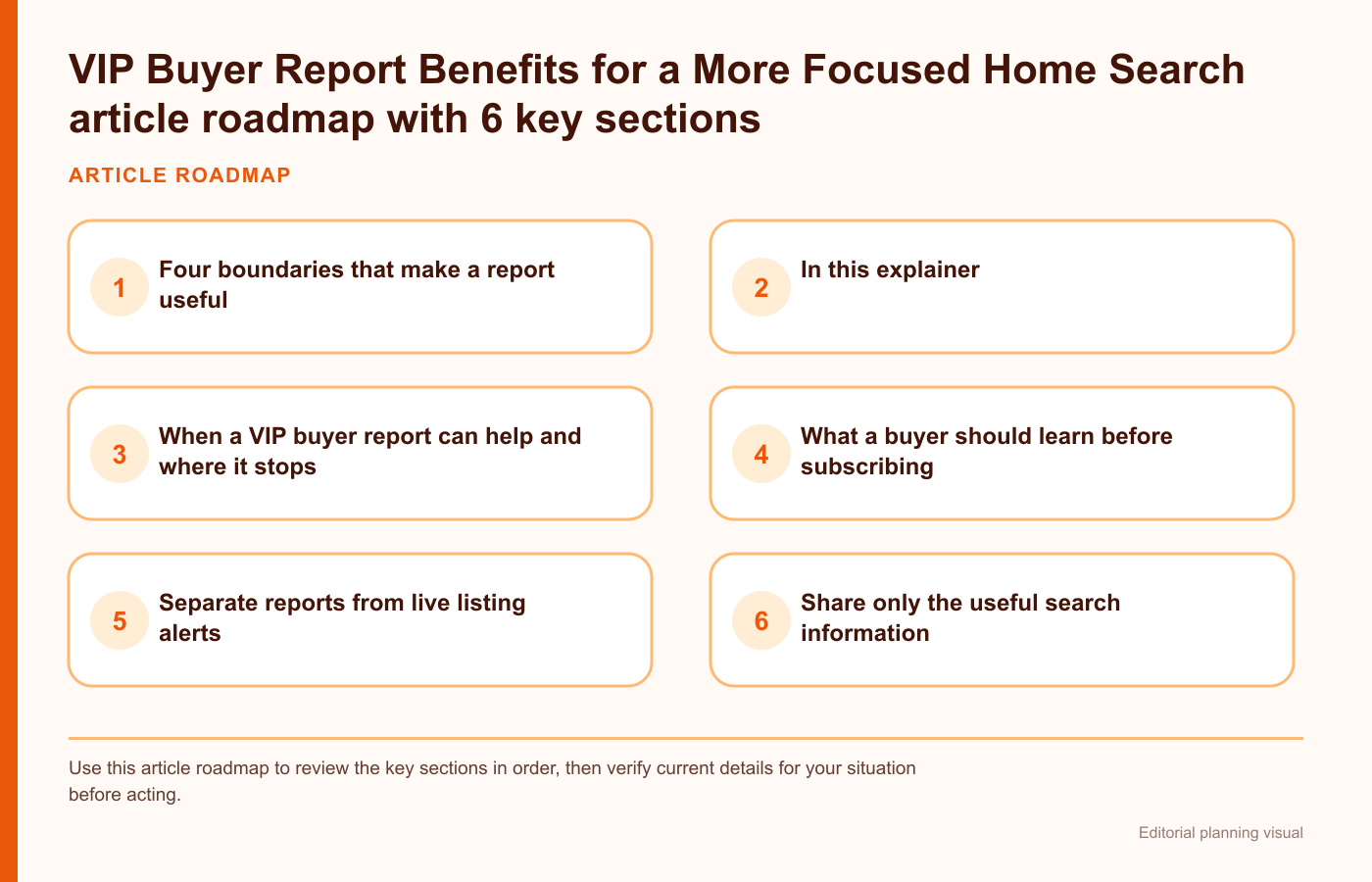
What a buyer should learn before subscribing
Before subscribing, identify the intended audience and the decisions the report says it supports. A first-time buyer may need a simple market and search overview. A move-up buyer may care about timing, sale coordination, schools, lot size, and commute. An investor may focus on property type, location, condition, and operating assumptions.
Do not describe every subscriber as receiving the same package if the content varies. Instead, explain the available report or alert categories and how the buyer's selected criteria influence what arrives.
Separate reports from live listing alerts
Woodhouse Realty's site offers property search and buyer tools as well as report and alert features. The landing page should distinguish them:
| Resource | Main purpose | Buyer input |
|---|---|---|
| VIP buyer report | Explain a market, neighbourhood, or buying topic | Area and decision interests |
| Listing alert | Share properties matching saved criteria | Location, type, budget, features |
| Price change alert | Highlight changes to tracked listings | Saved property or search |
| Buyer consultation | Discuss goals, process, and representation | Timing, financing stage, priorities |
This distinction prevents a buyer from expecting a custom market analysis when they joined a listing feed, or expecting live inventory when they requested a general report.
Share only the useful search information
Share only enough information to make the requested resource relevant; the first interaction should not become an unexplained long interview. Start with name, email, preferred area, property type, approximate timing, and the main question the buyer is trying to answer. Optional fields can capture bedrooms, home type, accessibility needs, commute, school preferences, or other priorities.
Explain why each optional detail helps. Buyers are more likely to share information when the form connects it to a visible benefit, such as reducing irrelevant listings or focusing neighbourhood information.
Check the report contents before the form
Look for a concise preview listing the sections that are actually available. Possible sections include a local market snapshot, active search links, neighbourhood comparison prompts, buying-cost categories, viewing checklist, offer-preparation questions, and next-step resources. Treat unconfirmed examples as possibilities, not promised contents.
Use a sample outline or a redacted example rather than a vague promise of exclusive information. The example should be labelled by date and area so a buyer does not mistake old data for a current market statement.
Look for a date and live-inventory handoff
Real estate information can change quickly. A useful report shows when it was prepared, which area it covers, where time-sensitive information came from and which parts need a live search. A report can teach a buyer what to compare without presenting old inventory or market figures as current.
For live properties, direct buyers to Woodhouse Realty's property search or the current search route selected by the site team. Keep educational commentary separate from listing availability.
Use a sample report to judge usefulness
A sample helps the buyer judge usefulness before subscribing. Use a demonstration area or an older report with the date clearly displayed. Remove names, email addresses, saved-search details, private notes, and any information connected to a specific client.
The sample can show the page order, type of commentary, neighbourhood prompts, search links, and next-step checklist. If the real report is personalized, label which sections change according to the buyer's criteria and which sections remain general.
Personalize around decisions rather than marketing labels
Ask what the buyer is trying to decide. One person may be comparing a townhouse and condominium. Another may be choosing between Surrey neighbourhoods, planning around a commute, or deciding whether to begin viewings now. Those questions create better report sections than a broad label such as VIP.
Use the answer to select a small number of relevant resources. Avoid sending every guide and every listing feed at once. A focused report should help the buyer understand one decision, see the current search path, and identify the next information needed.
Check who maintains the report and links
The report should identify who maintains the template, source notes, dates, links, form wording and confirmation message. Review the page on a regular schedule and whenever a search tool, form, report category, or communication flow changes.
A maintained resource should use a change log for the section, reason, source, reviewer and date. Missing or unavailable report types should not remain as signup promises, and the form and confirmation path should be tested after updates.
Set communication expectations clearly
Near the form, state what the visitor is requesting, the expected communication type, and how preferences can be changed. If a report request also starts listing alerts or a follow-up conversation, say so plainly. Do not hide a broader communication flow behind one generic submit button.
The confirmation screen should repeat the request and provide immediate next steps. It can link to property search, buying tips, mortgage tools, or a contact page while the requested material is prepared.
Connect the report to the buyer journey
The VIP report is most useful when it leads to an organized next action rather than a sales slogan. A buyer may need to:
- clarify preferred areas and property types;
- review financing readiness with an appropriate provider;
- set a live search and alert criteria;
- compare neighbourhood and property trade-offs;
- prepare viewing questions;
- discuss representation and offer steps;
- keep criteria current as needs change.
The report should link to the right Woodhouse tools for each step instead of trying to contain the entire buying process on one page. BCFSA's home-search guidance highlights current research such as zoning, title restrictions, easements, inspections and disclosures; a report can flag those topics but cannot resolve them for a specific property.
Use a transparent five-step report workflow
A reviewable update can use this order:
- a direct headline naming the buyer and area;
- a short explanation of the report's purpose;
- a preview of the actual sections;
- a distinction between report, listing alert, and consultation;
- a brief form with explained optional fields;
- freshness and source notes;
- communication and preference information;
- links to current search and buyer tools;
- a contact path for a more specific question.
Common VIP report mistakes
- Calling the report exclusive without showing contents: preview what the subscriber will receive.
- Mixing educational reports and live alerts: explain each resource separately.
- Collecting too much information too early: ask for the minimum useful criteria first.
- Leaving dates and areas unclear: identify the report's scope and freshness.
- Using one consent statement for several actions: describe the requested communication plainly.
- Ending after form submission: provide a confirmation and useful next path.
Frequently asked questions
Is a VIP buyer report the same as a property search?
No. A report can explain a market or decision topic, while a live property search shows current inventory matching selected criteria.
What information should a buyer provide?
Start with area, property type, approximate timing, and the main decision question. Add more detail only when it improves relevance.
How should market information be dated?
Show when the report was prepared and direct current listing questions to a live search or brokerage contact.
What happens after the form is submitted?
The confirmation should identify the requested resource, explain the next communication, and link to search or buyer tools.
Verify the report before subscribing
Review Woodhouse Realty's VIP buyer report page and confirm the current topic, contents, date, requested information and communication expectations. Use the live property search for current inventory, or contact Woodhouse Realty with a specific Surrey or Lower Mainland buying question.